How to Edit My Food PlanUpdated a month ago
Video Guide:
Step By Step Guide:
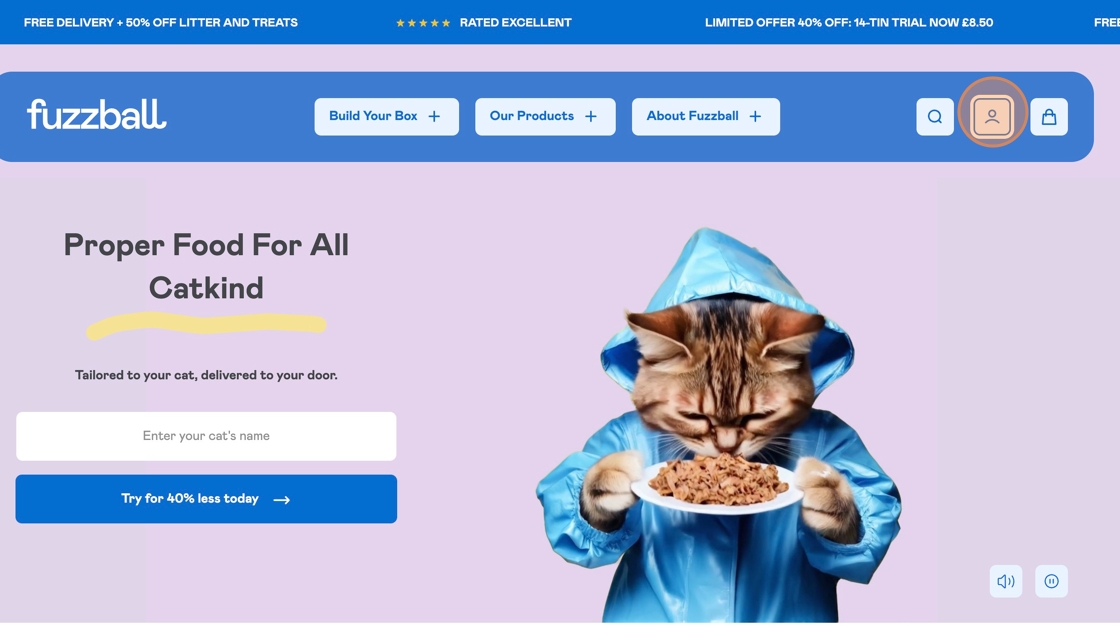
Step 1:
Click this icon to login to your Customer Portal.
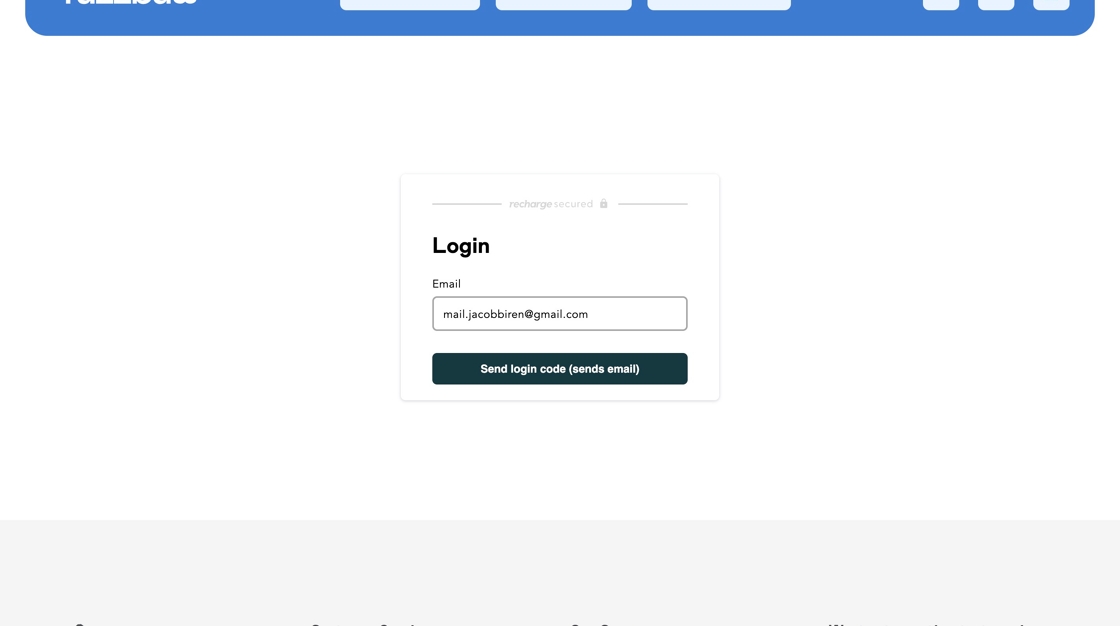
Step 2:
Enter the email address associated with your account.
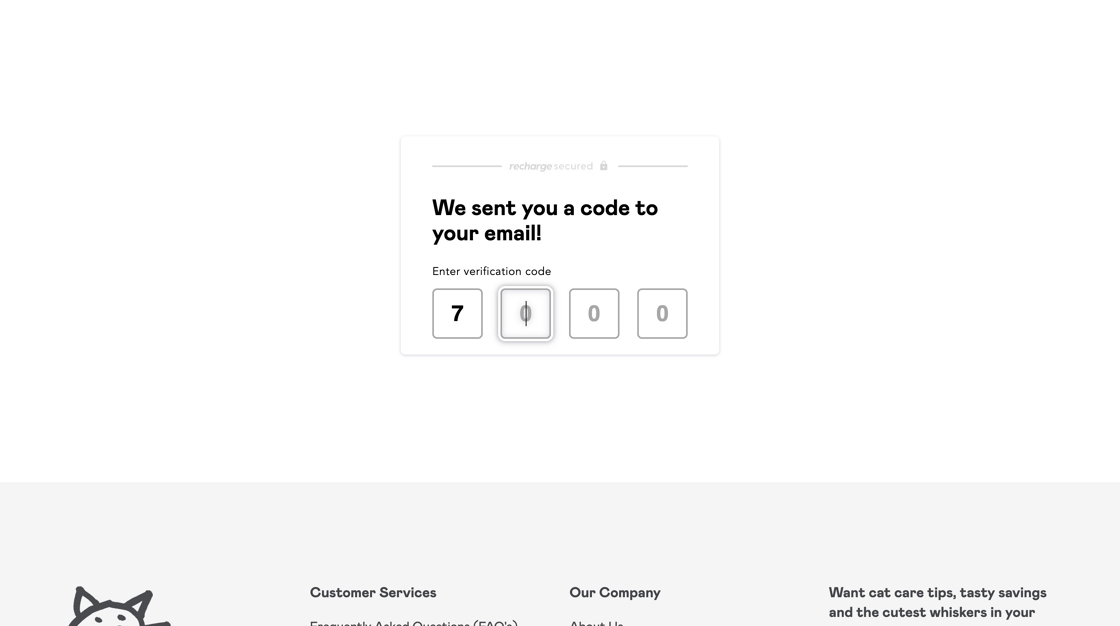
Step 3:
Enter the code that was sent to your email.
Step 4:
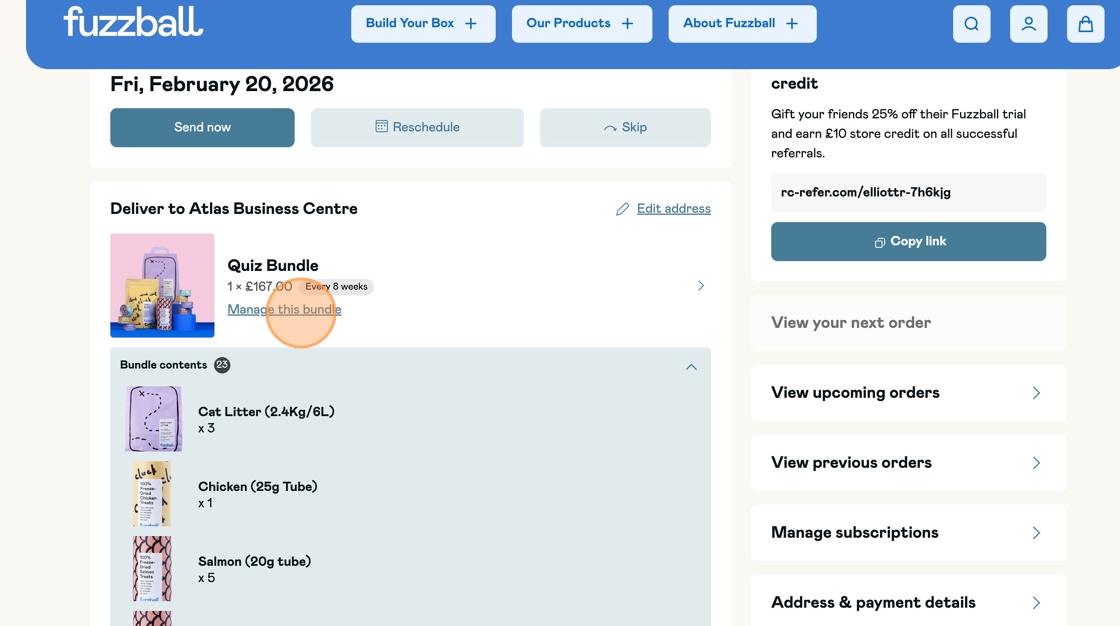
Click 'Manage my bundle'.
Step 5:
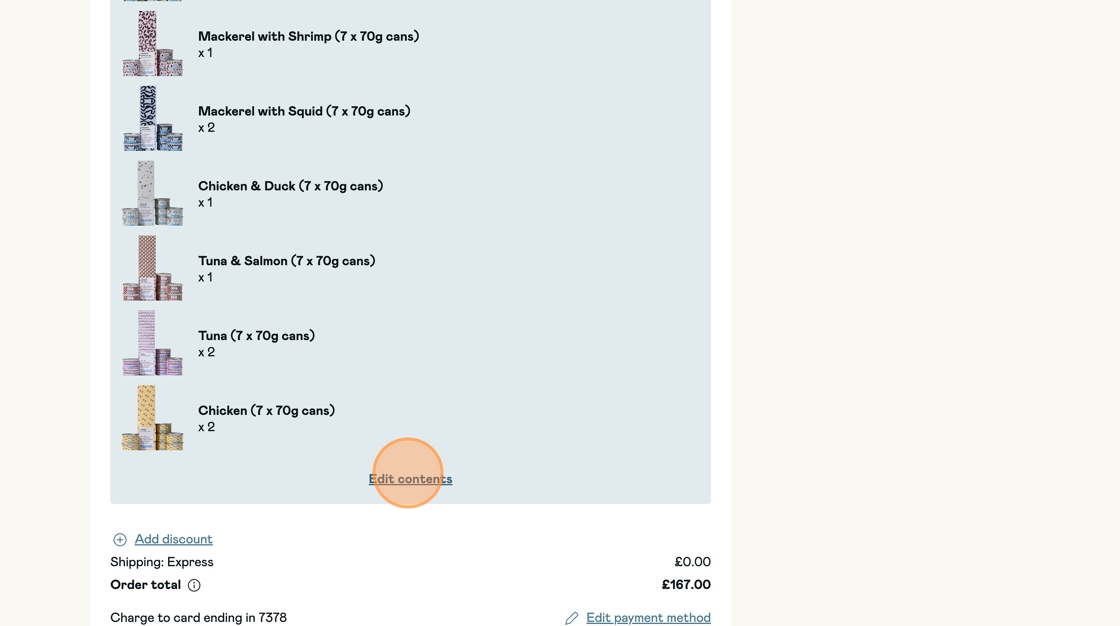
Click 'Edit Contents'.
Step 6:
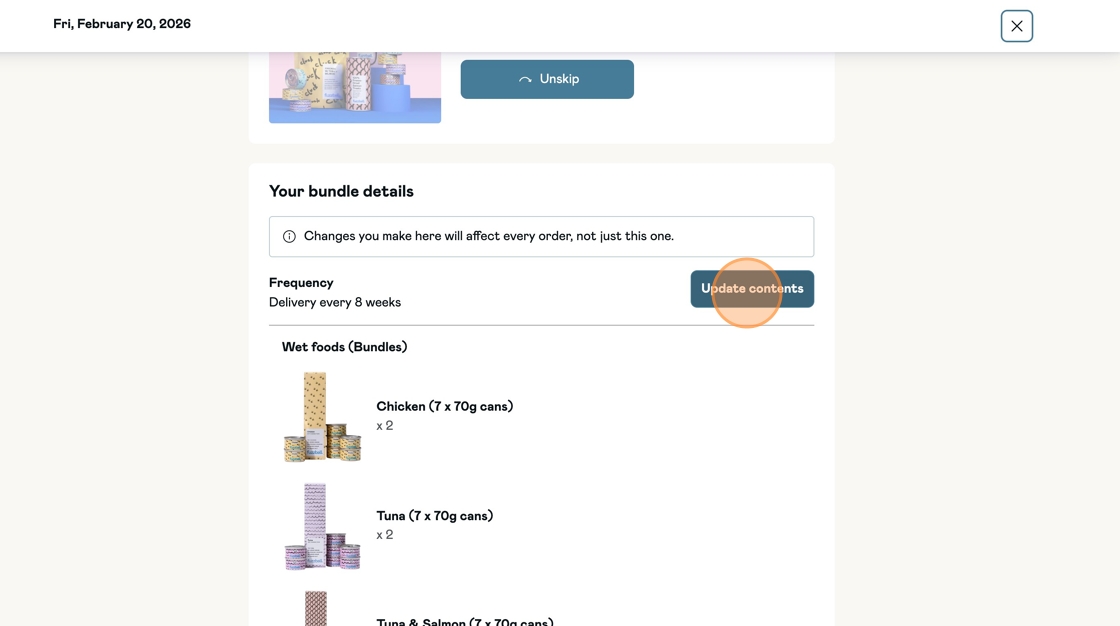
Click 'Update Contents'.
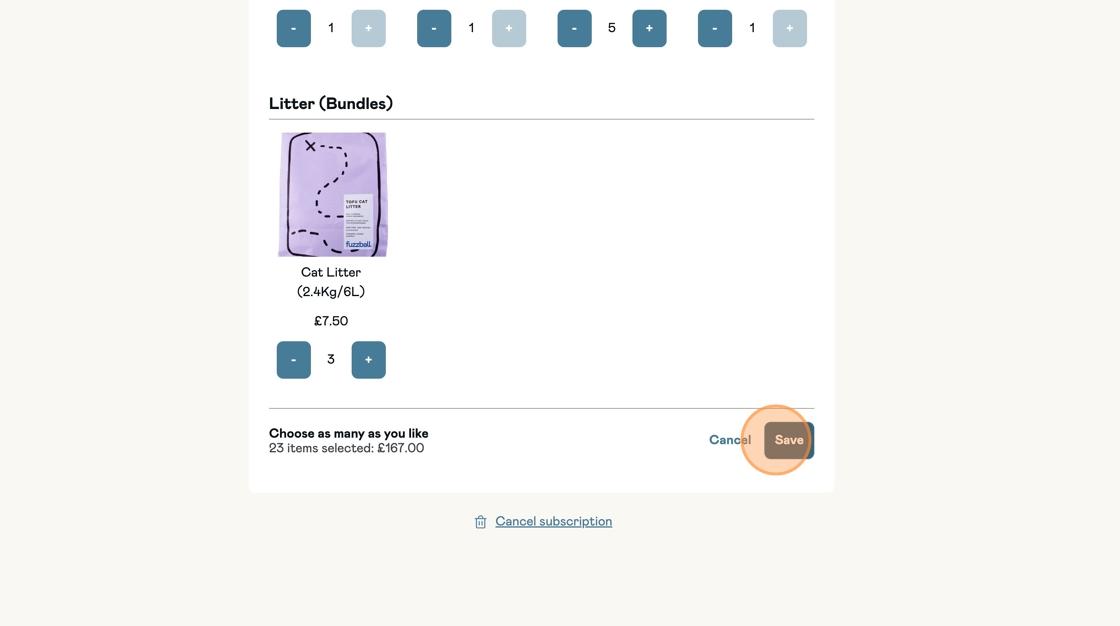
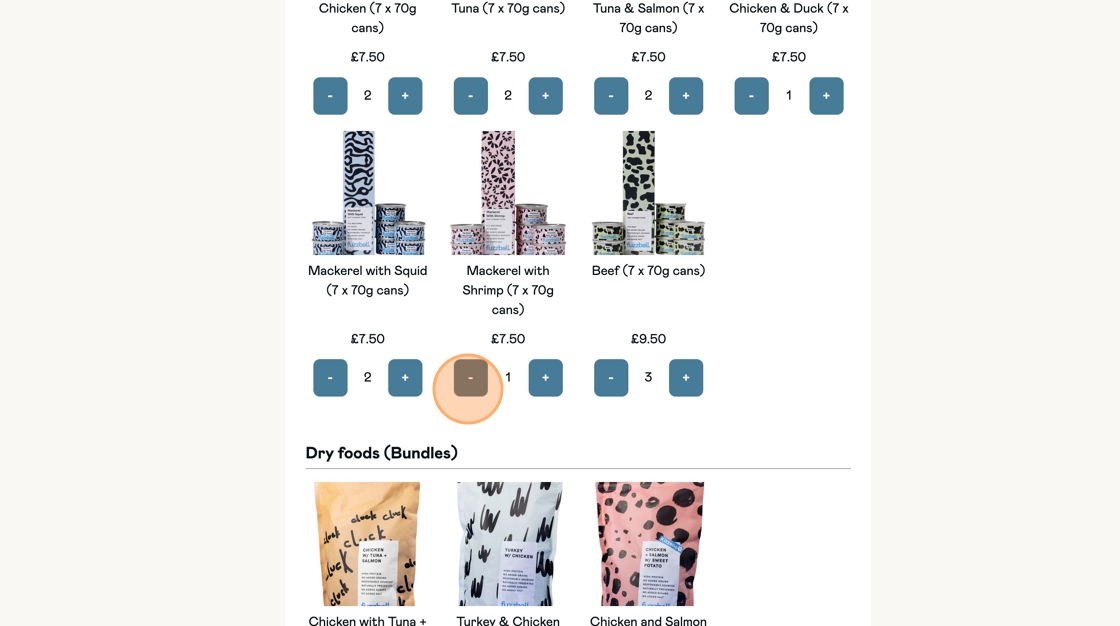
Click '+' to add items to your bundle.
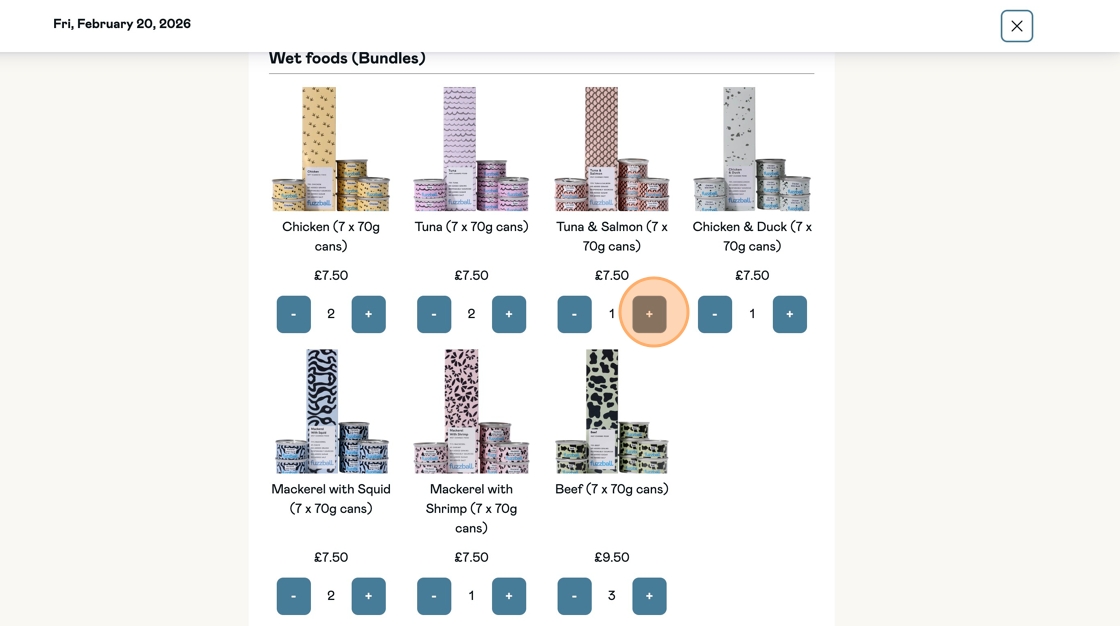
Click '-' to remove items from your bundle.
Step 7:
Click 'save' to confirm your changes.