
How to Cancel My OrderUpdated a month ago
There’s no long-term commitment with your Fuzzball subscription.
Take the following steps to cancel your subscription.
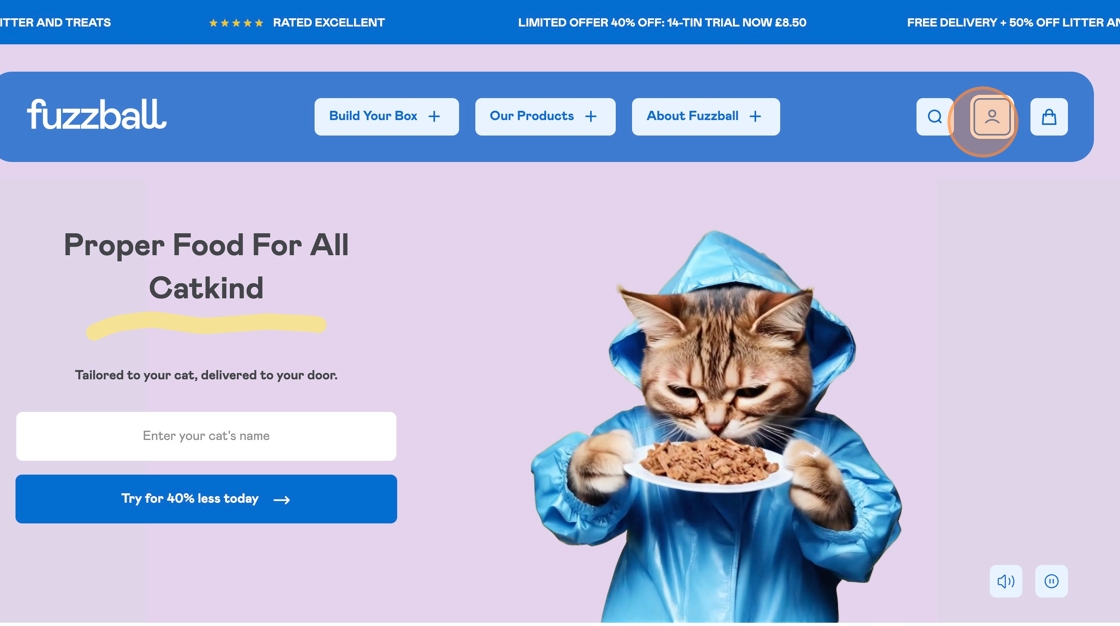
Step 1. Login into your account
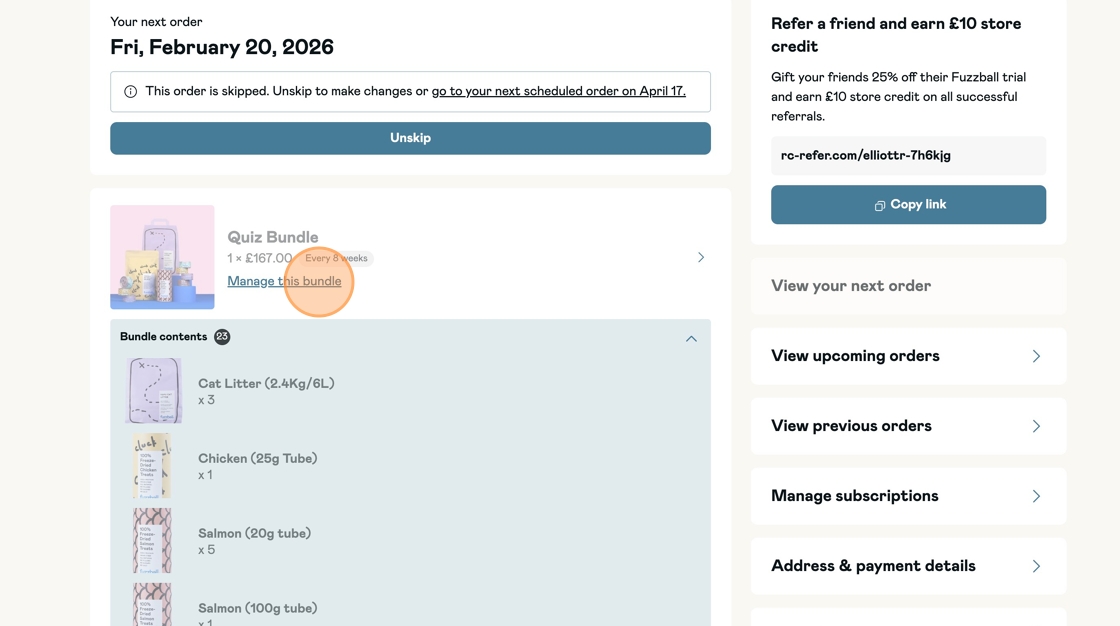
Step 2. Click [Manage my subscriptions]
Step 3. Click [Cancel Subscription].
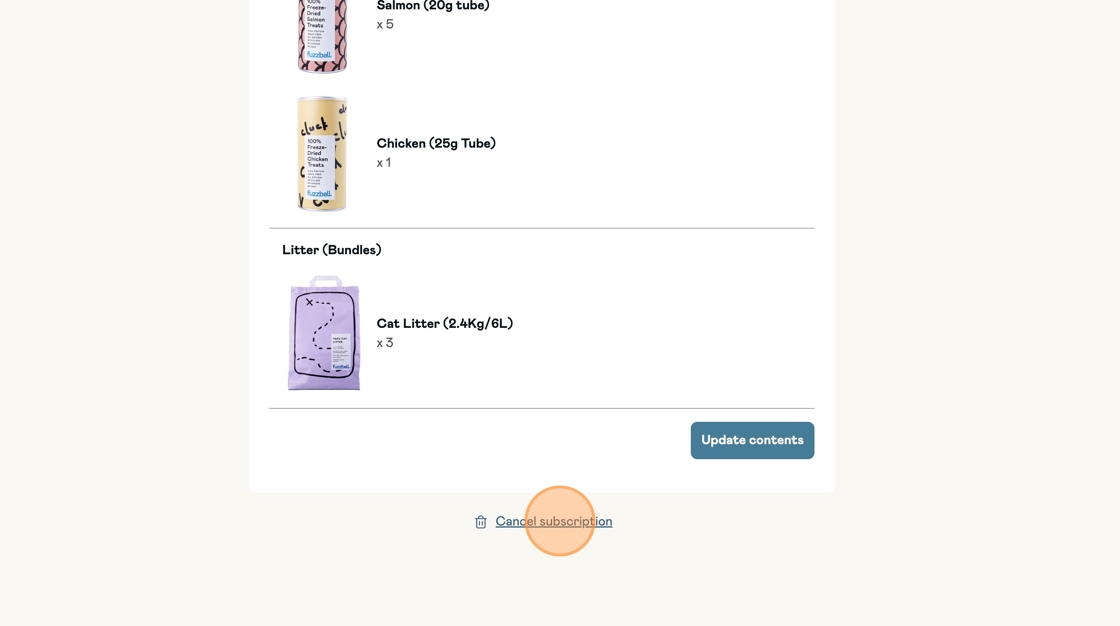
Proceed to complete the steps to successfully cancel your subscription.
Orders can only be cancelled before they have been dispatched.
If you’ve already received an order confirmation, it may be too late to cancel that specific order. If this is the case please email [email protected] and we will endeavour to assist with the cancellation of the order if it has not already been despatched..
Please note that you’ll still be charged for any items that are despatched before we receive your cancellation request.
Once your order arrives, you’re welcome to request a return or exchange. In this case, customers are responsible for covering the return postage costs.