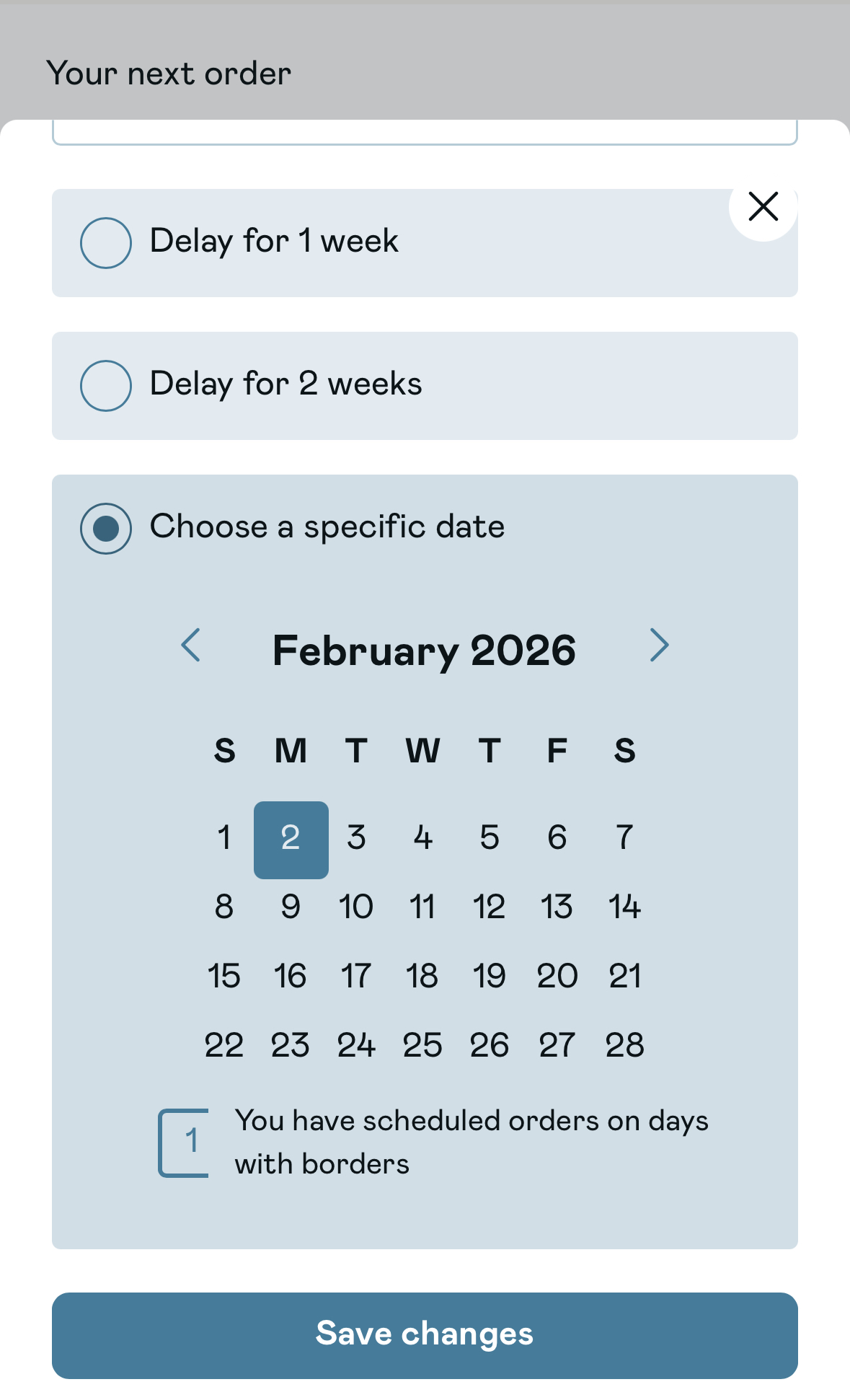
How to reschedule my orderUpdated a month ago
Step 1:
Login to your account.
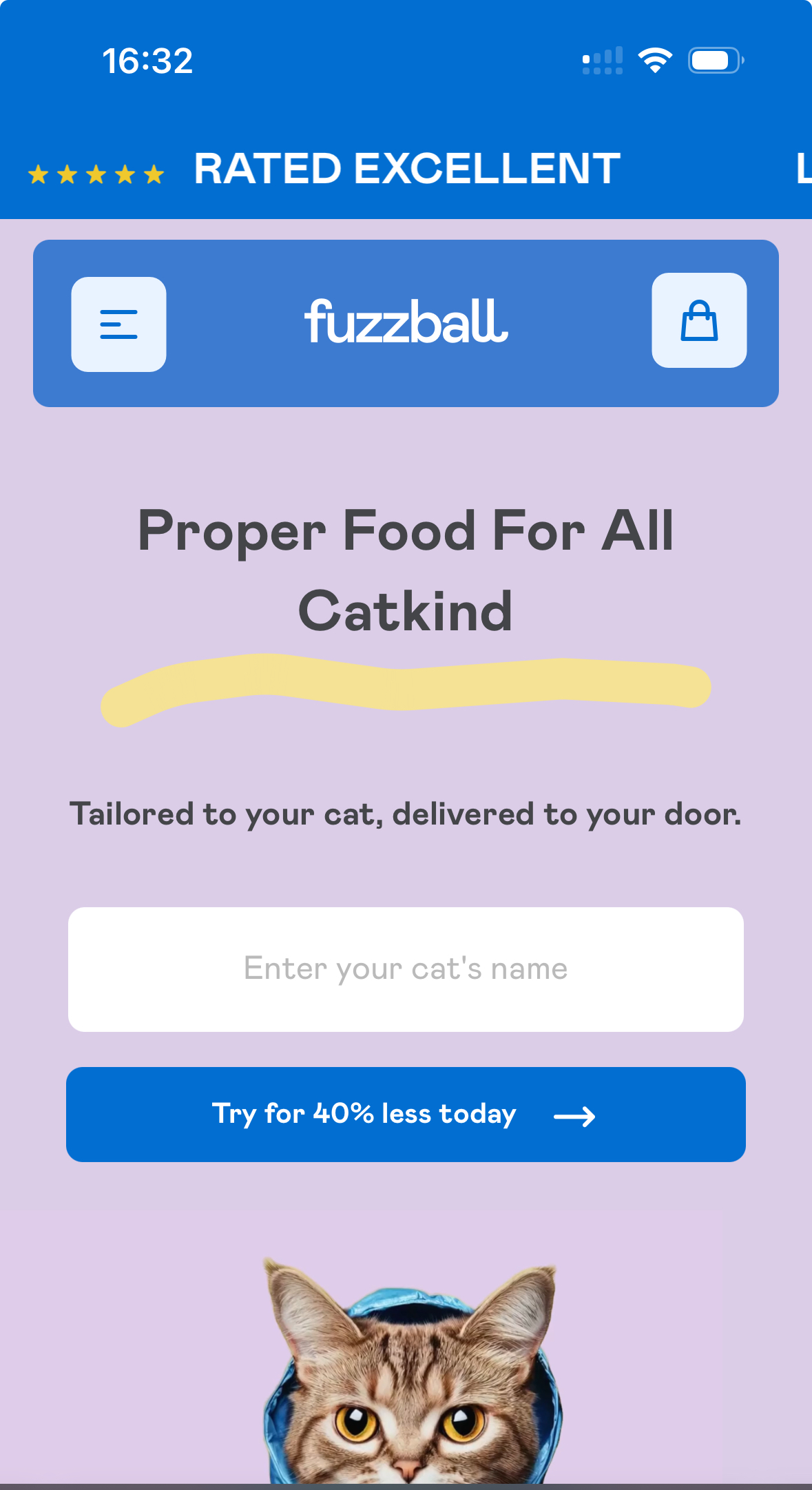
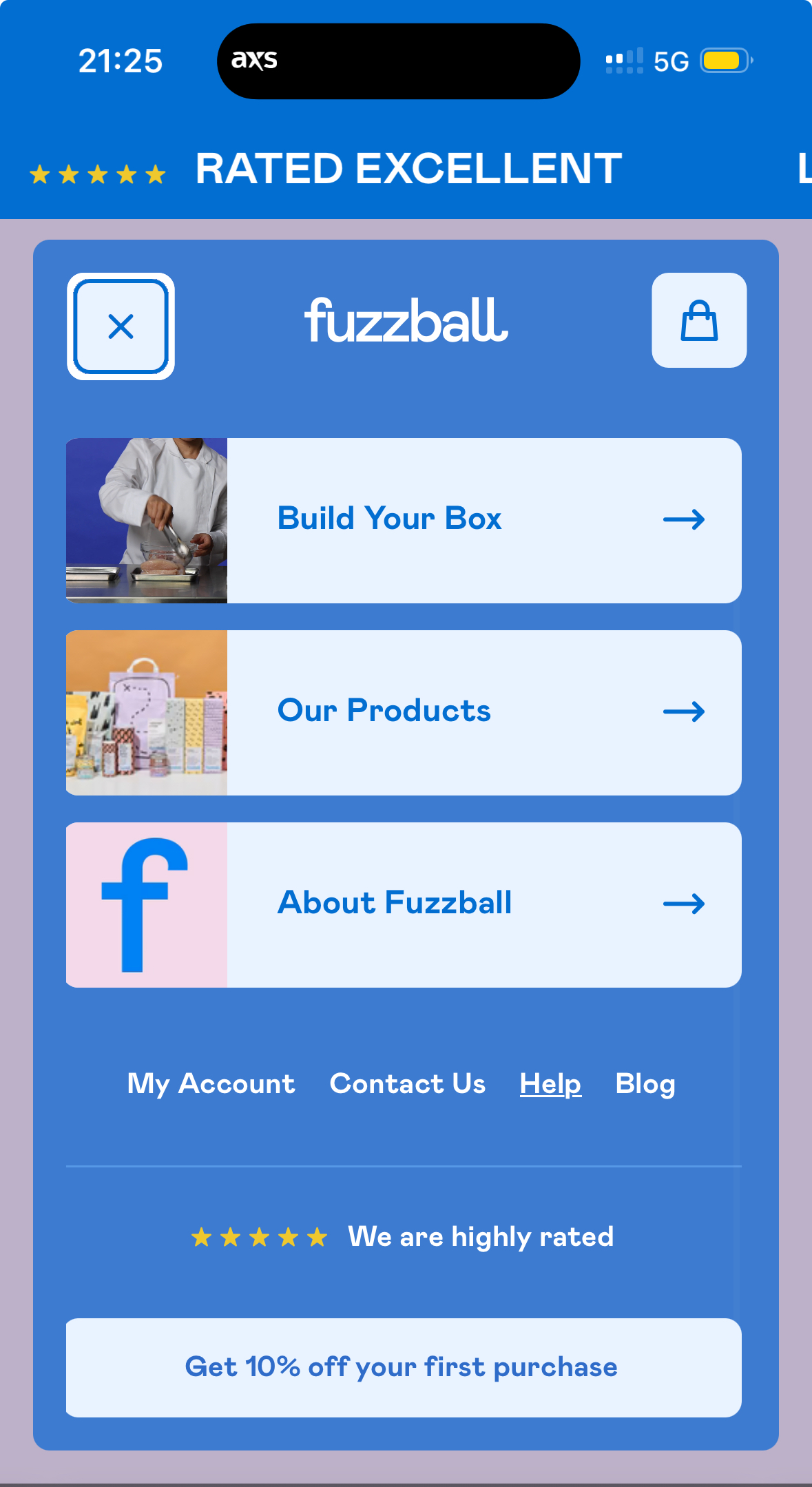
Step 2.
Tap 'My account'
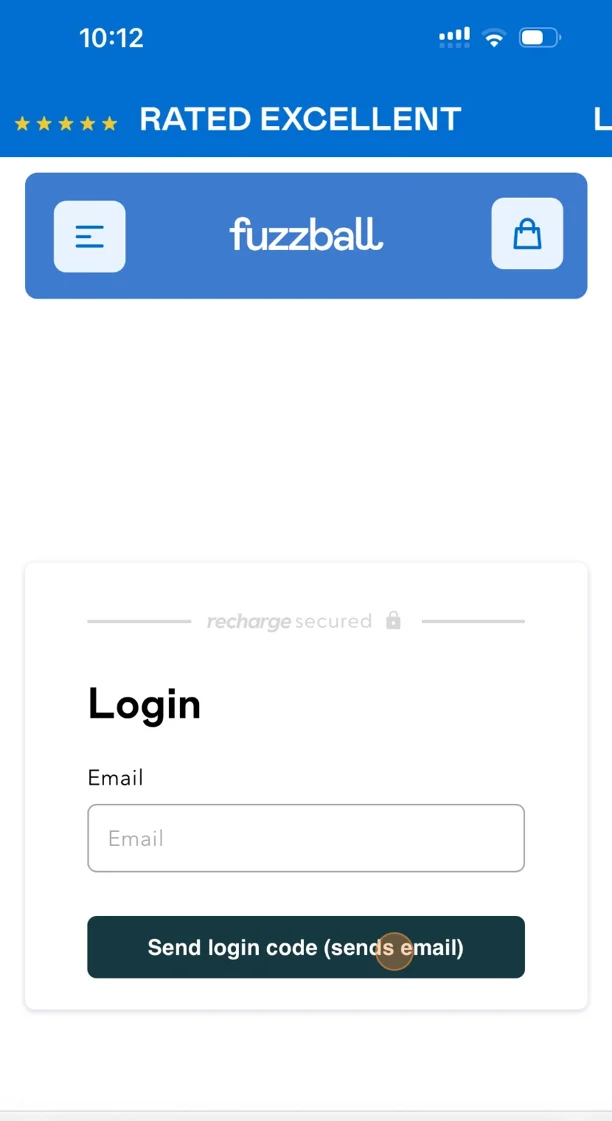
Step 3.
Enter the email address associated with your account.
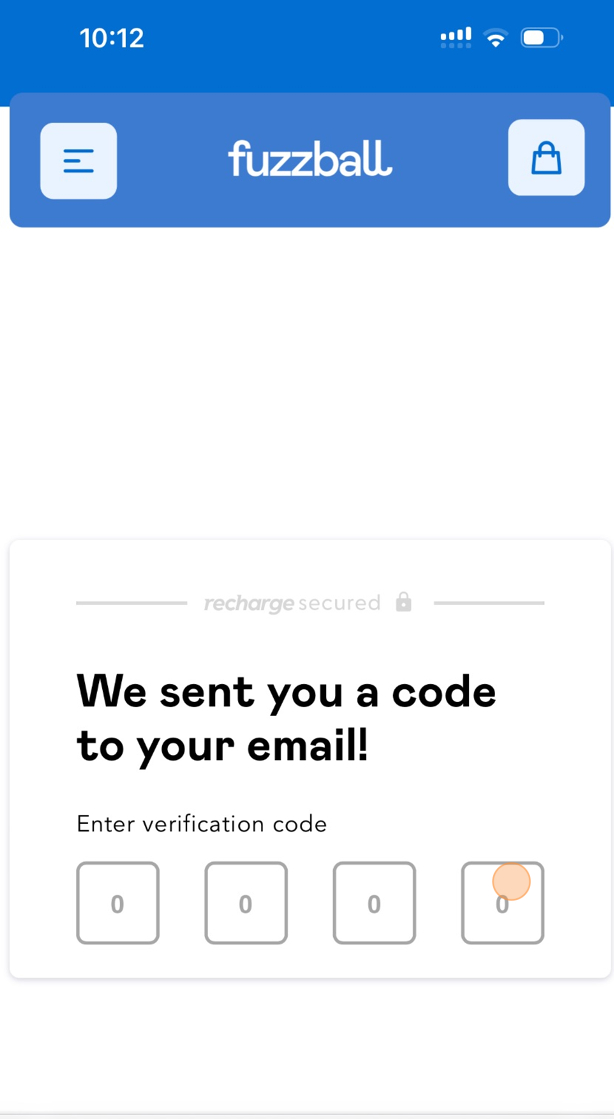
Step 4:
Enter the code that was sent to your email.
Step 5:
Tap 'Reschedule'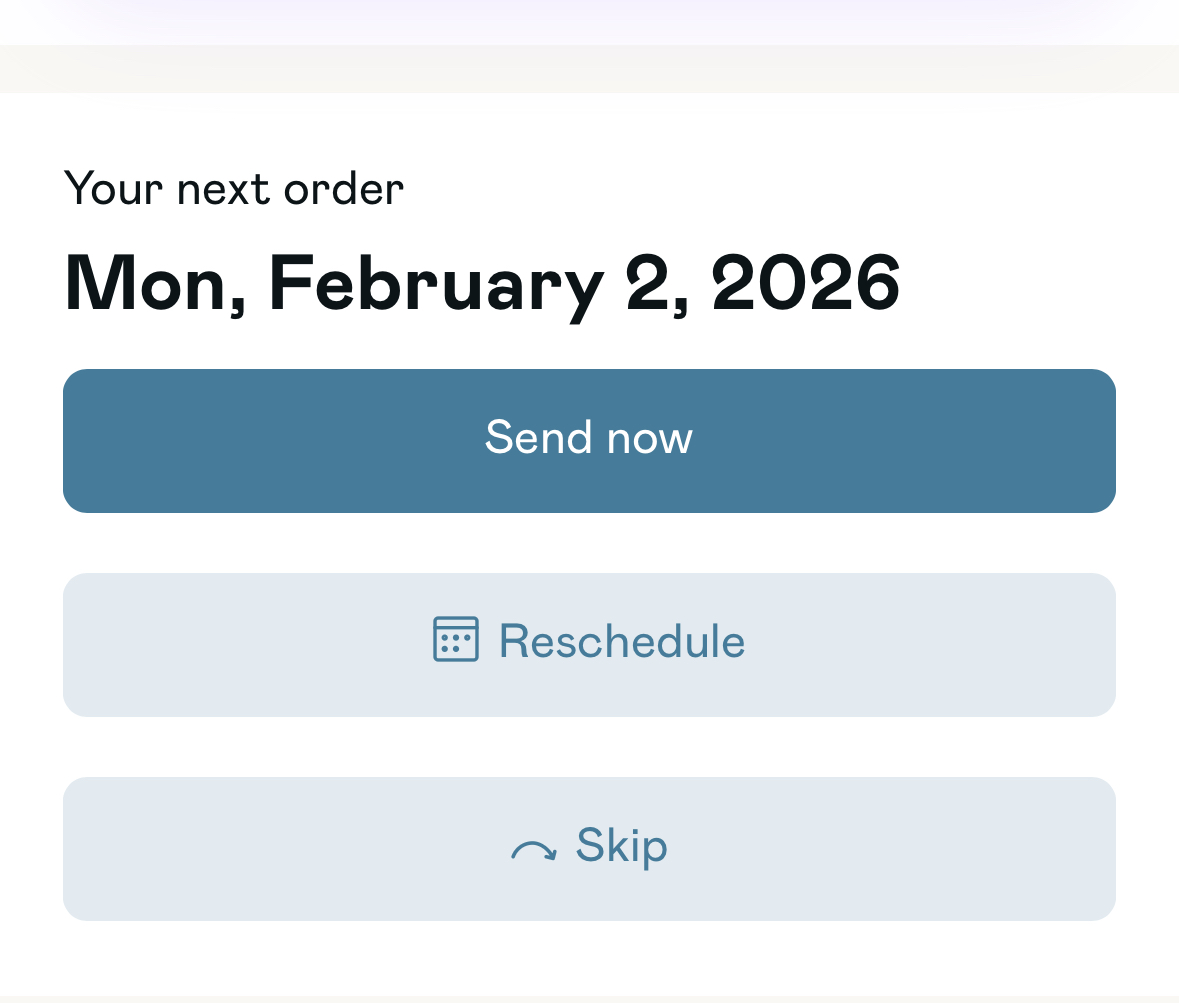
Step 6:
Choose a date that works for you.
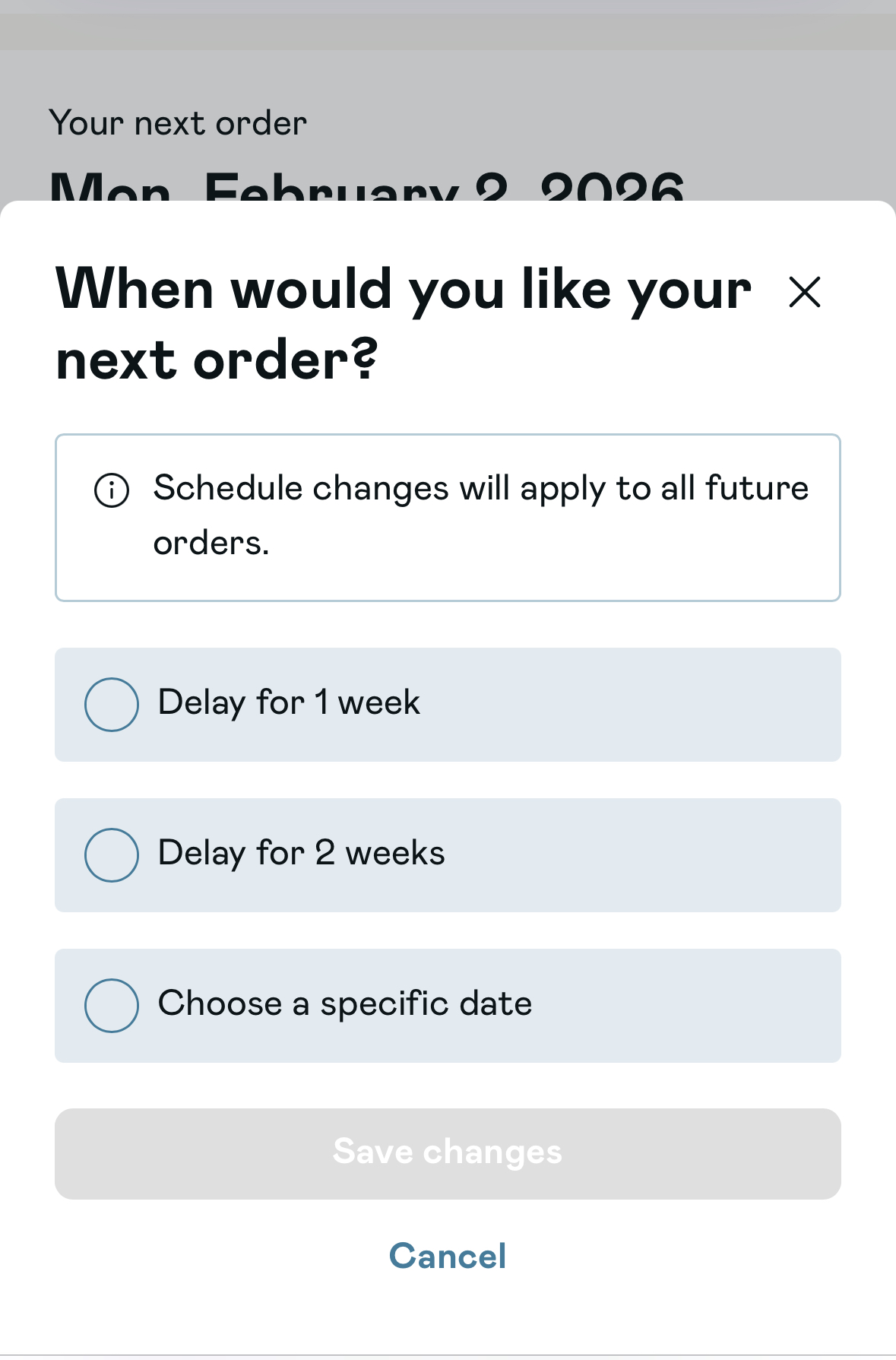
Step 7:
Tap 'Save changes' to confirm.