
How To Edit My Food PlanUpdated a month ago
Video Guide:
Step By Step Guide:
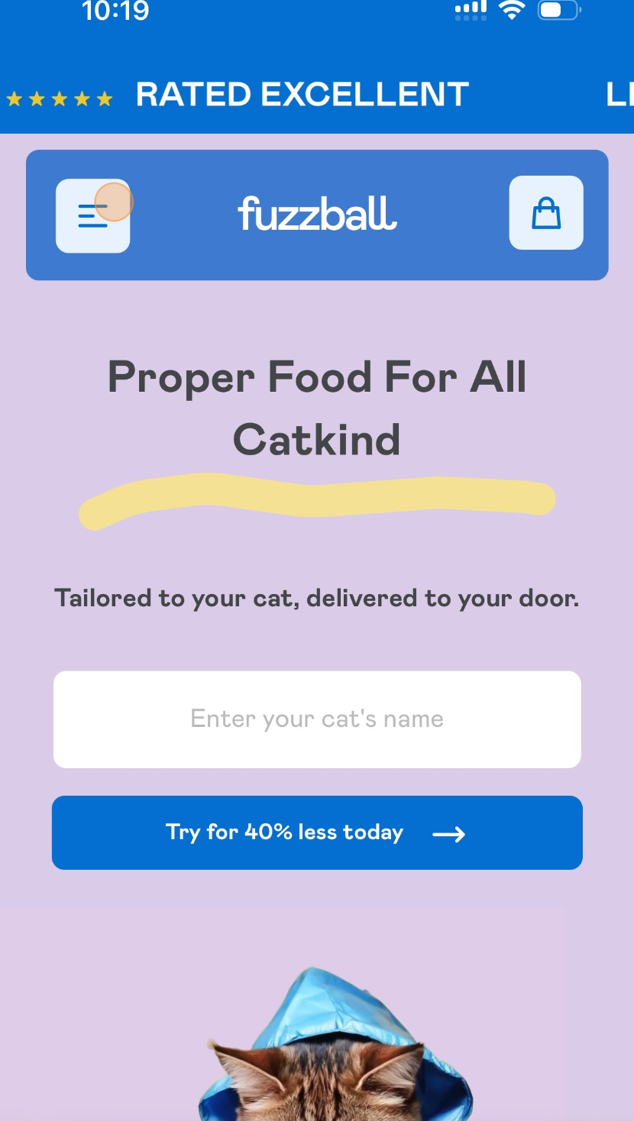
Step 1.
Navigate to the customer portal.
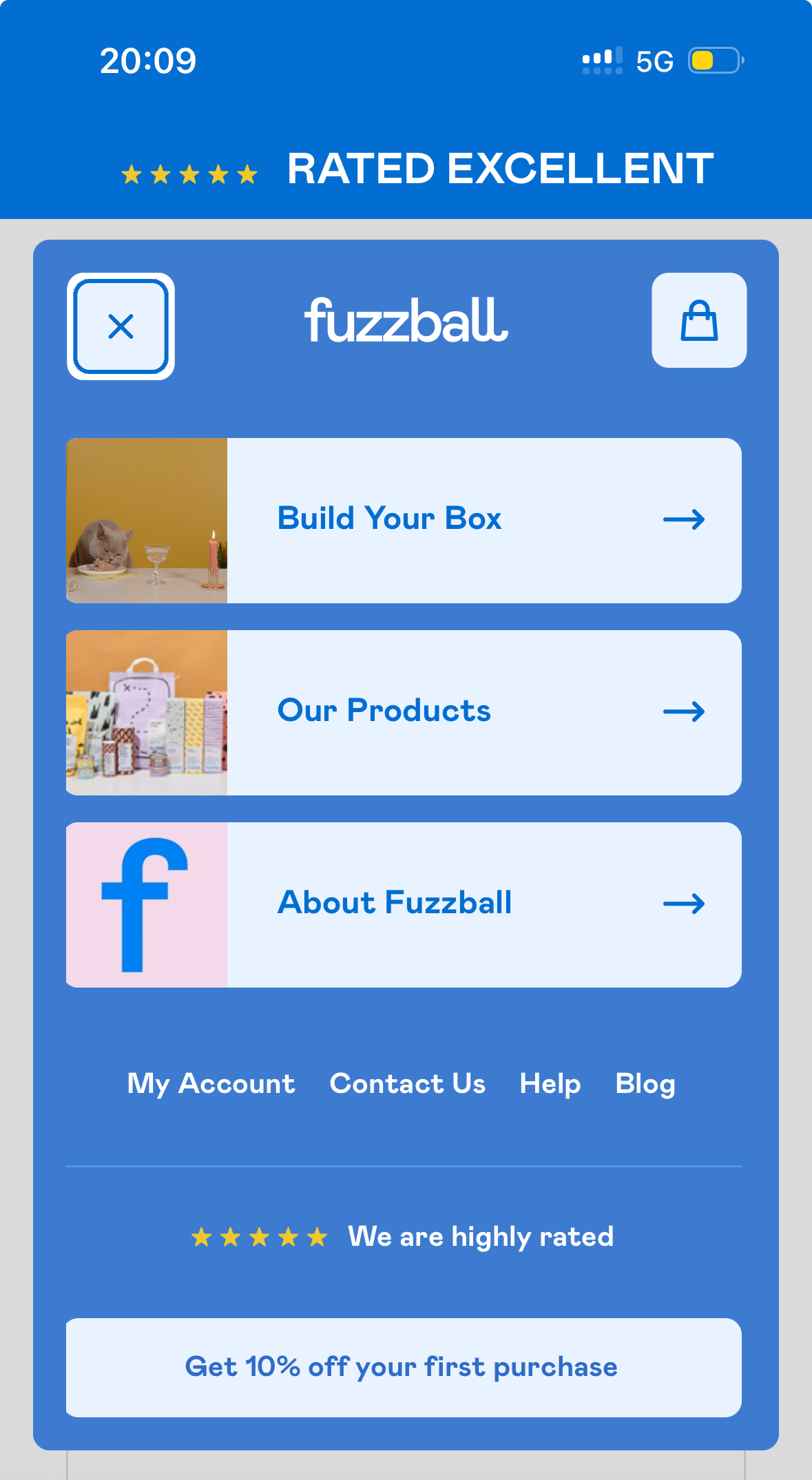
Step 2.
Tap 'My Account'.
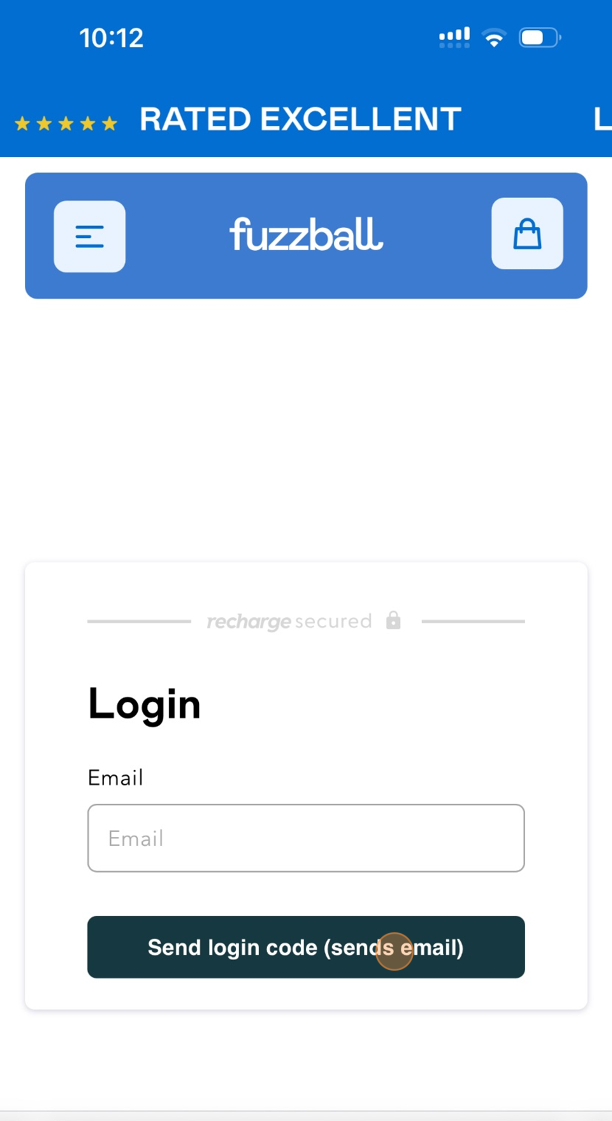
Step 3.
Enter the email address associated with your account.
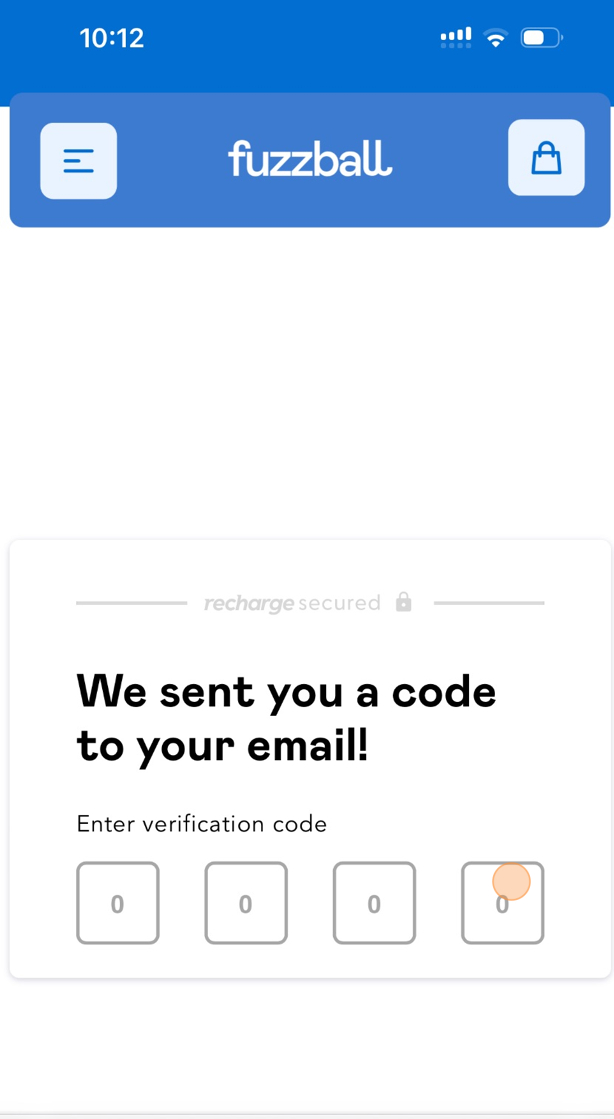
Step 4.
Enter the code that was sent to your email.
Step 5:
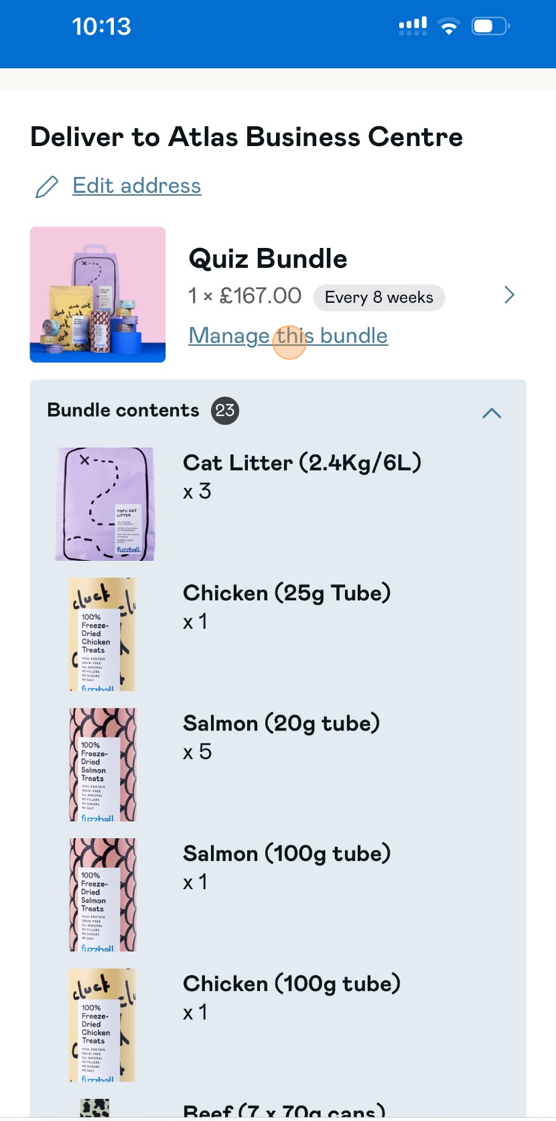
Tap 'Manage this bundle'
Step 6:
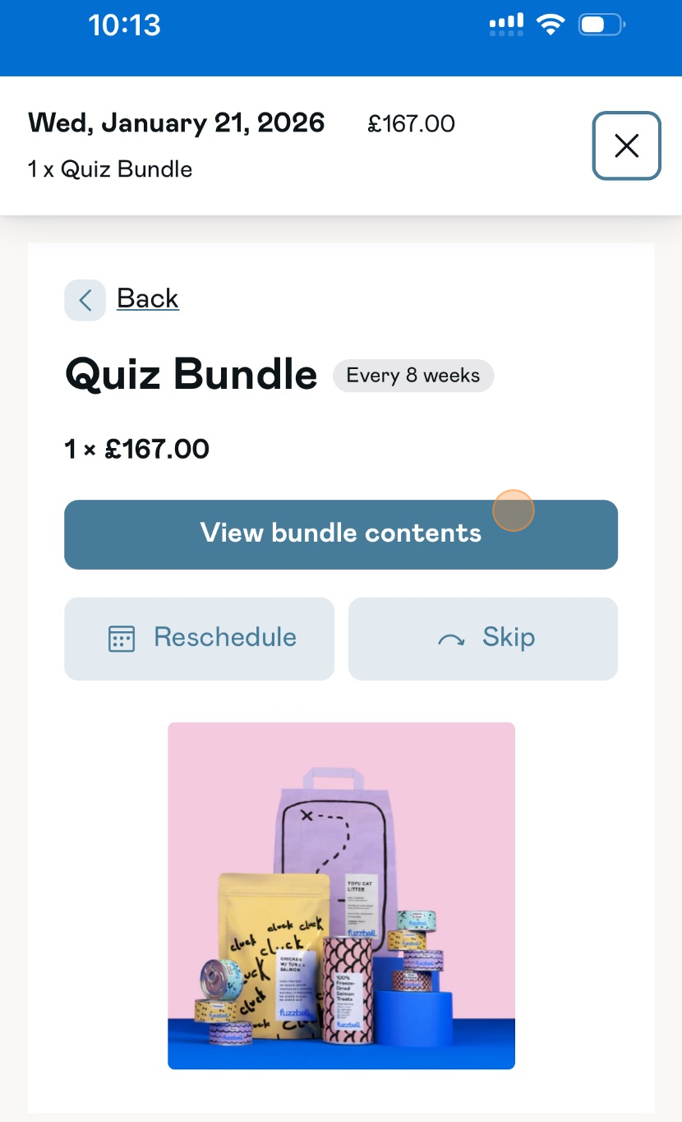
Tap 'View bundle contents'
Step 7:
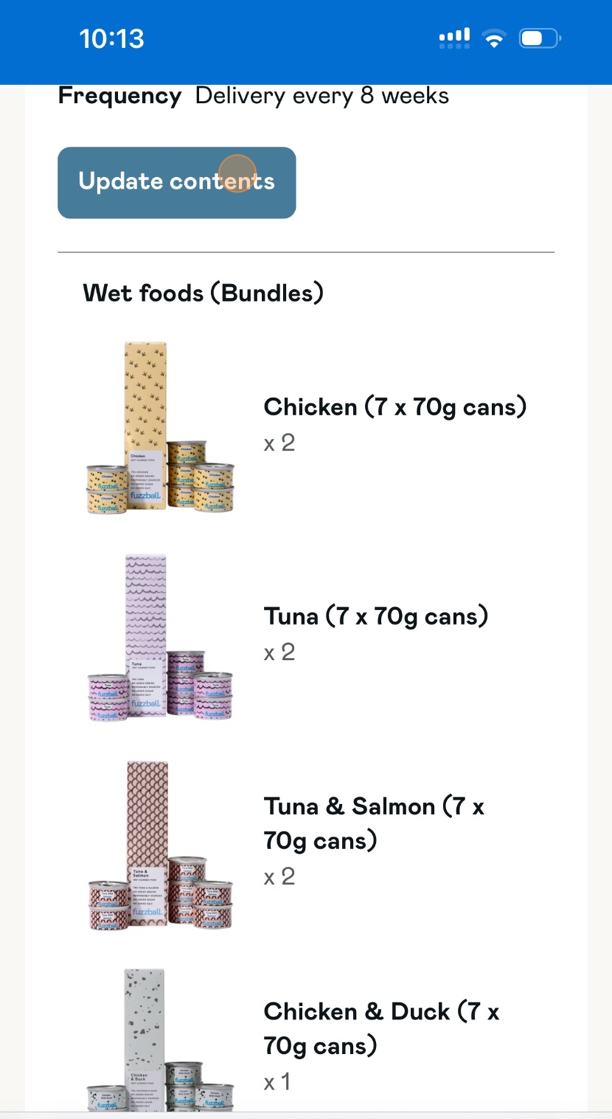
Tap 'Update contents'
Step 8:
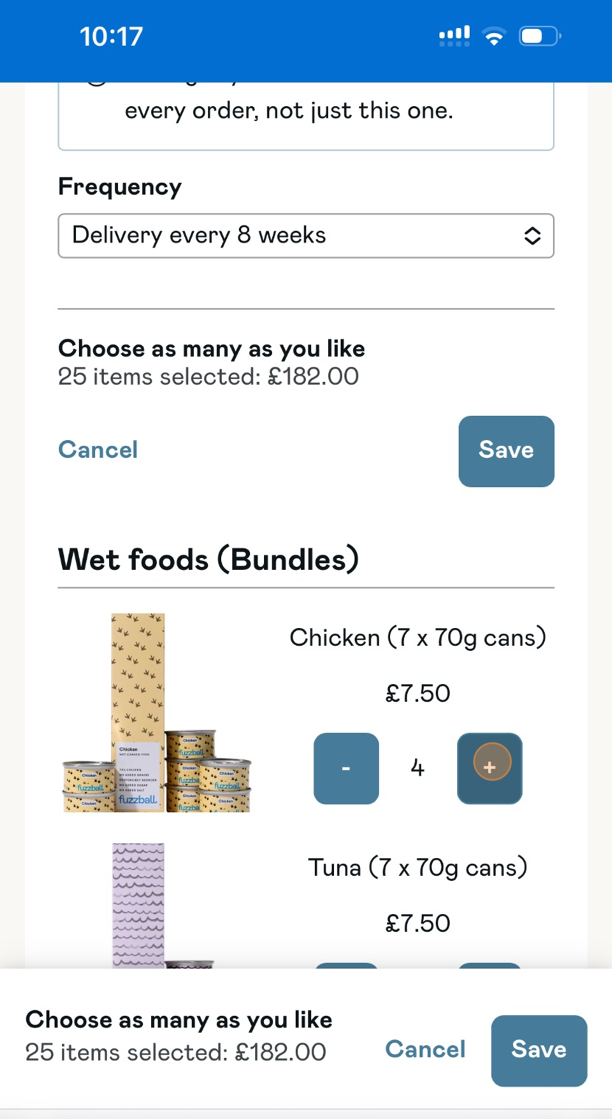
Tap '+' to add something to your plan or '-' to remove an item.
Step 9:
Tap 'Save' to confirm your changes.