How to cancel my planUpdated a month ago
Step 1:
Navigate to your customer portal.
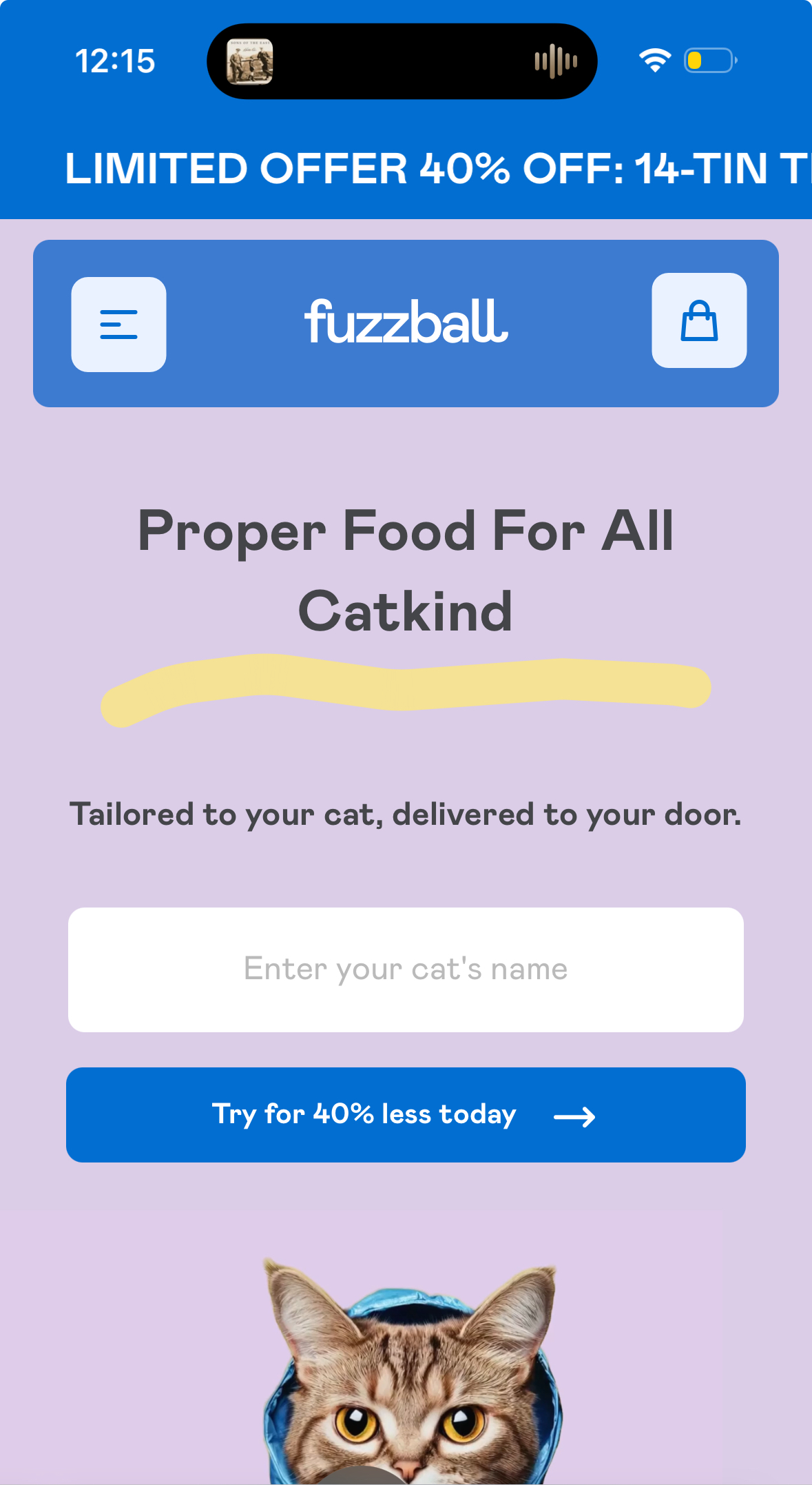
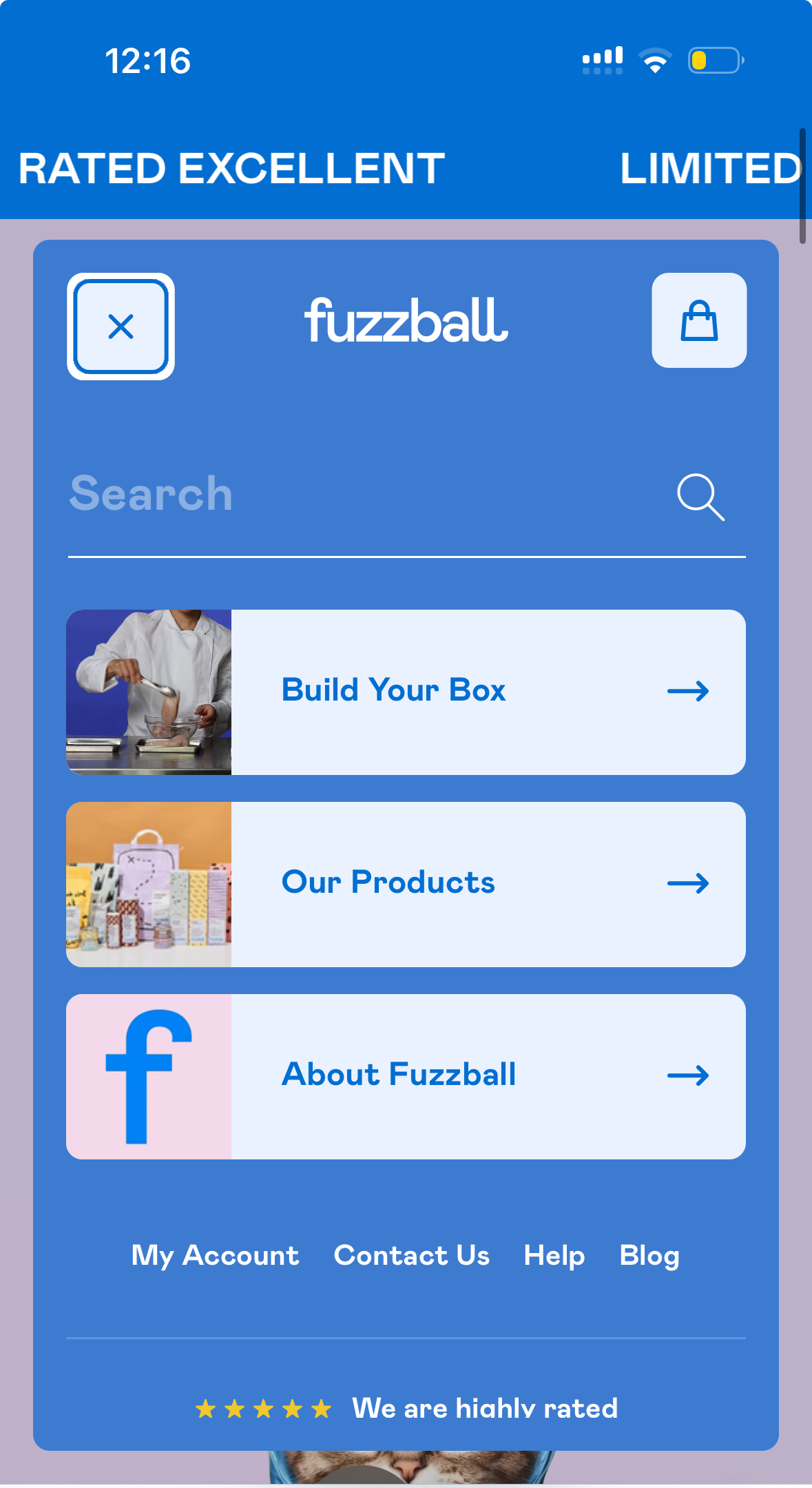
Step 2:
Tap 'My account'
Step 3:
Enter the email address associated with your account.
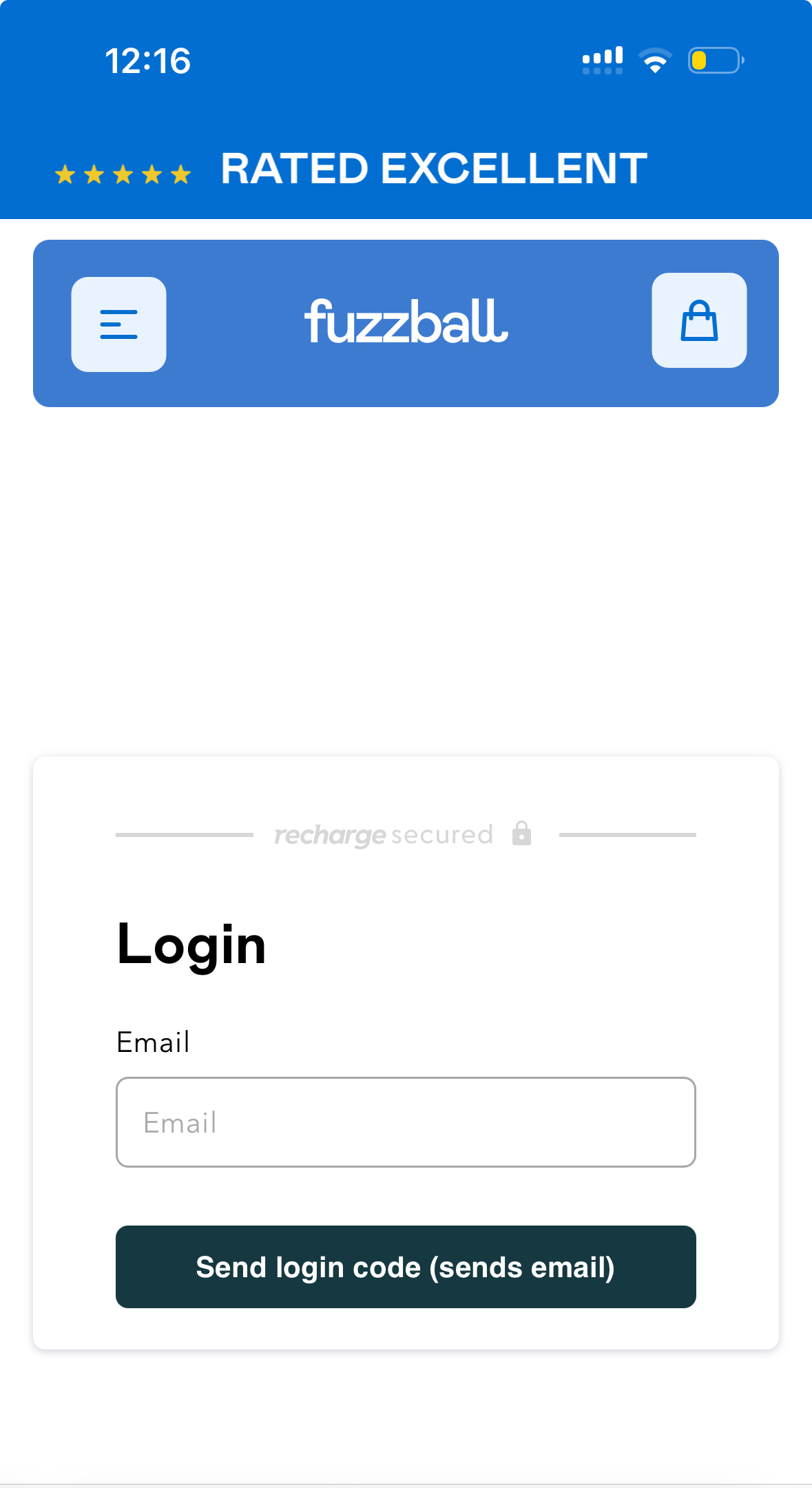
Step 4:
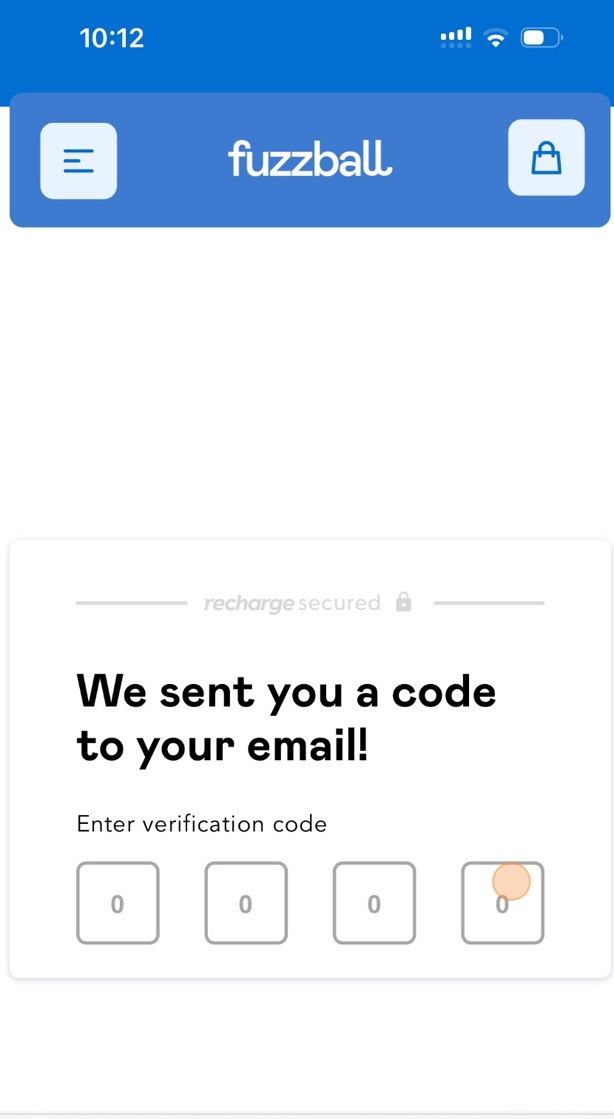
Enter the code that was sent to your email address.
Step 5:
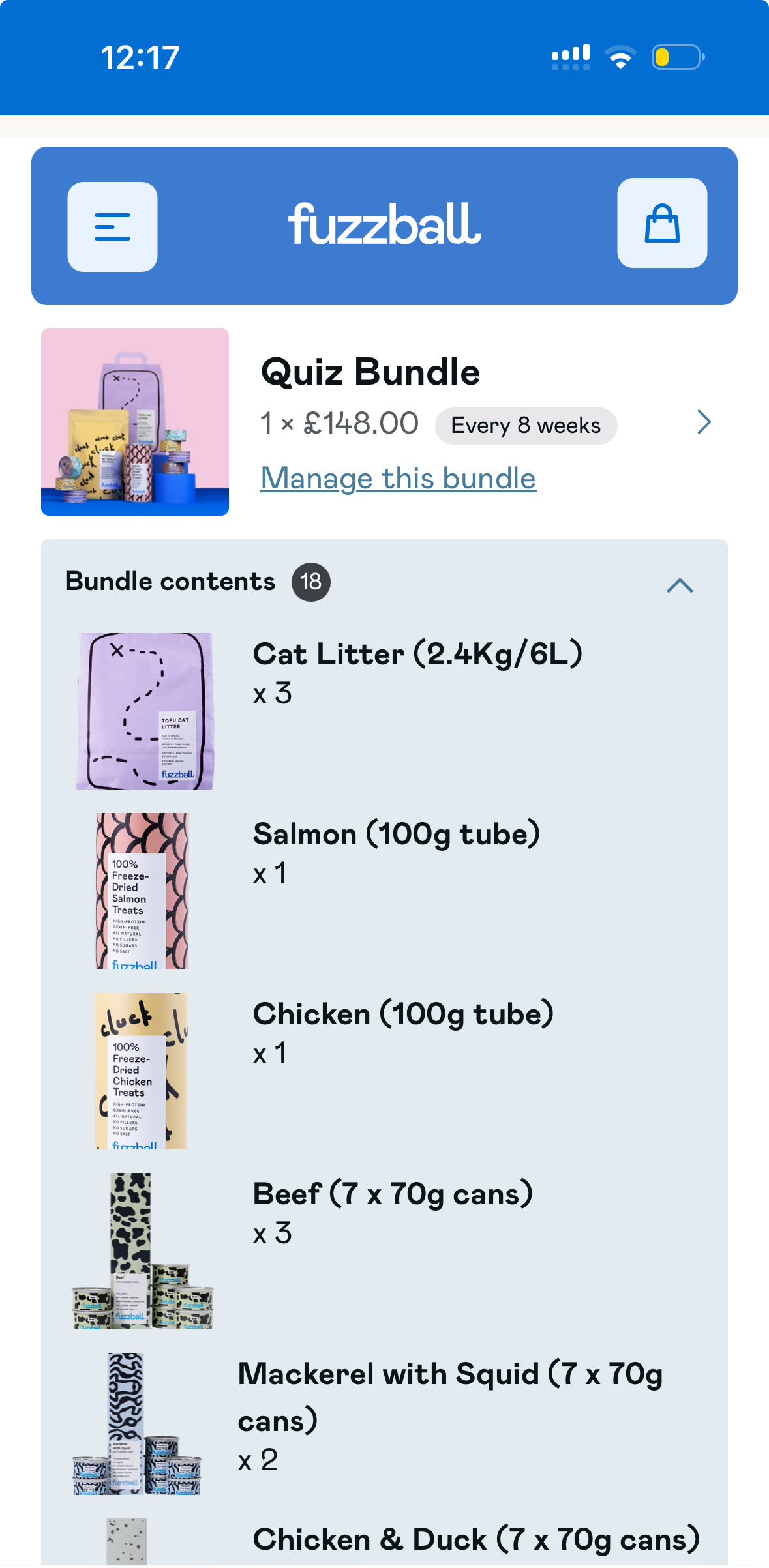
Tap 'Manage my bundle'
Step 6:
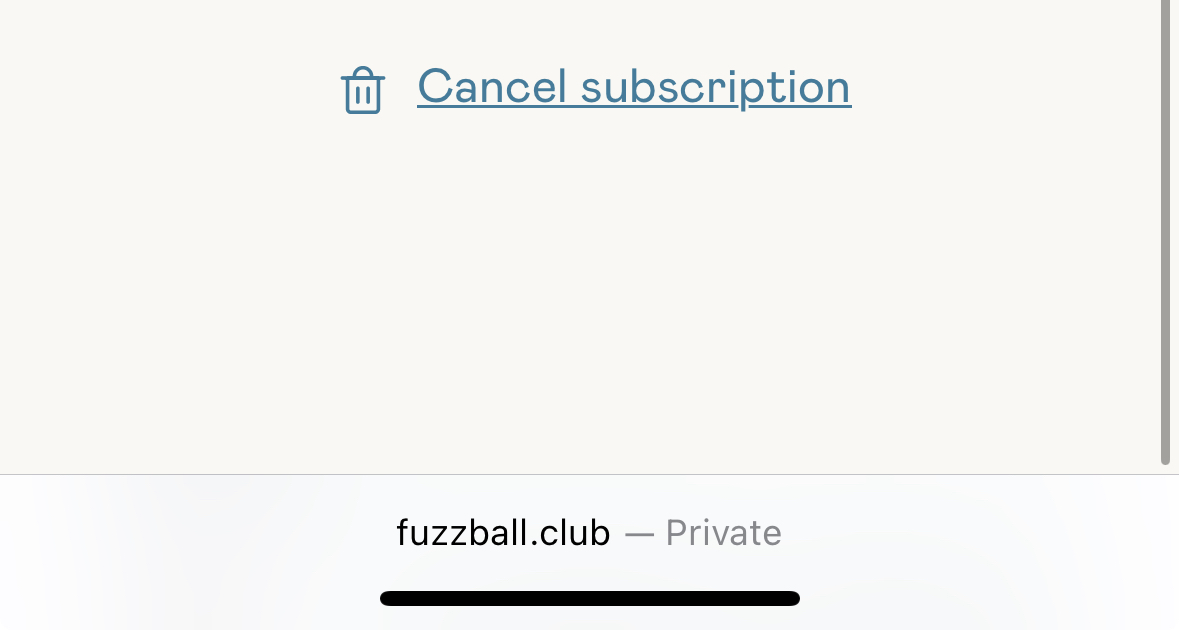
Navigate to the bottom of the page and tap 'Cancel subscription'
Step 7:
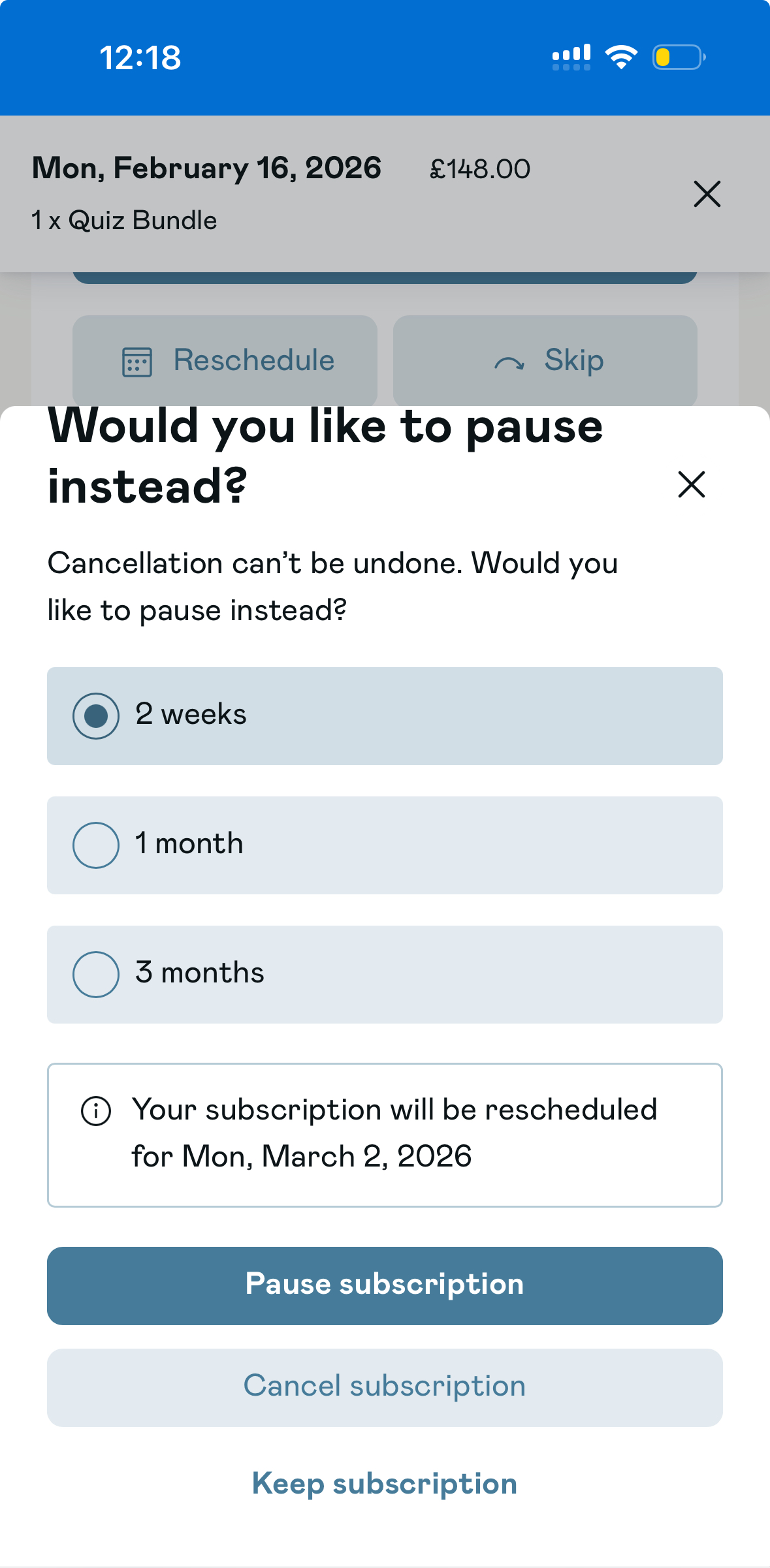
You will be given the option to pause your subscription, if you would like to continue with your cancellation tap 'cancel subscription' and proceed with the next steps.